
I Almost Fell for a Business Email Compromise Attack
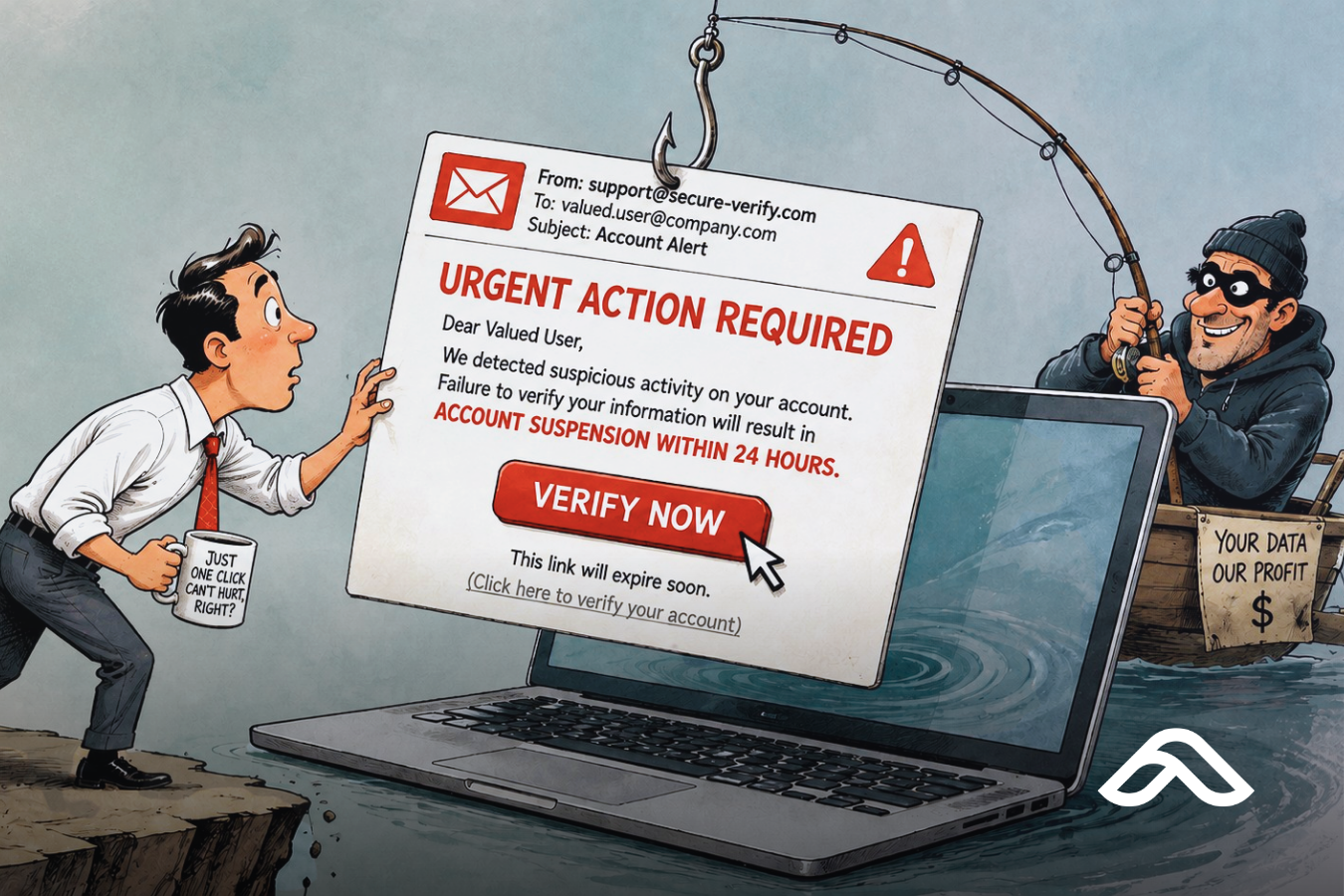
Hi there! I'm Kai, marketing here at Affinity MSP. I was drafting this blog when I realized, it was something I could actually relate to from an actual experience I had a few weeks ago. And this may be a great way to share it, so all us non-techie people can learn from it.
Now, for context: my background is about as far from cybersecurity as it gets. I studied Economics in uni. Then I went into marketing. My idea of "technical" was knowing which Canva template made a LinkedIn post look less like a PowerPoint slide from 2009. I did not sign up to become the person who spots phishing emails. And yet, here we are.
So there I was, minding my own business, scrolling through my inbox, when an email popped up that stopped me mid-scroll: "Action Required: Complete Your Mailbox Update by July 9th, 2026." Flagged high importance. A little red exclamation mark, judging me. The sender said AffinityMSP. Not some sketchy stranger, not a Nigerian prince, not a "you've won a free cruise" situation. Us. My own company. Asking me, very urgently, to click a big blue button before my email supposedly turned into a pumpkin by midnight.
And look, I'll be honest, my pointer finger was already halfway to that button. It had all the right ingredients: a deadline, a threat of "permanent deactivation," and that particular flavor of corporate urgency that makes your brain go "better safe than sorry" before it goes "wait, actually, let me think about this."
What actually stopped me wasn't some deep well of technical instinct. It was pure, unfiltered self-preservation. A very specific thought crossed my mind: I am the person who writes the content telling our clients not to click on things like this. If I get caught red-handed clicking a phishing link while our own marketing material is out there telling people "please don't do the thing I am about to do!!!", that would be a special kind of awkward and humiliation.
So instead of clicking, I did the smart, boring but responsible, adult thing: I forwarded it to one of our engineers with the subject line equivalent of "...is this us?"
Yep. It was, indeed, not us. Or, well, it wasn't quite that simple, and that distinction turned out to be the most interesting part of this whole story.
Wait, did that mean Affinity MSP got hacked?
Reasonable question. The short answer is no. Someone had spoofed our domain. That didn't mean they'd hacked Affinity MSP or gotten into one of our mailboxes — it meant they'd made an email look like it came from us.
Here's the distinction, in plain terms: seeing your own domain sitting in the "From" field doesn't by itself prove anyone broke in. Email doesn't have a built-in way of guaranteeing that the visible sender is genuine, which means an attacker can forge that field without ever touching your actual systems. Microsoft's own documentation is upfront about this — a spoofed message can display a legitimate domain while having originated from somewhere else entirely.
The way to actually tell the difference is in the message headers, not the display. If SPF and DKIM failed, and the real sending infrastructure had nothing to do with Affinity MSP, that points to spoofing. A genuine compromise looks different, and involves signs like an unfamiliar sign-in to a Microsoft 365 account, the message actually showing up in someone's real Sent Items, a forwarding rule quietly added to a mailbox, a new MFA method nobody set up, or suspicious app permissions granted to a mailbox. None of that showed up here. What did show up was a domain being borrowed, not broken into.
The red flags, annotated
Looking back at it, the email had a lot more tells than I gave it credit for in the moment. Here's the actual message, marked up with what should have jumped out:

A few of these are worth calling out individually, because they show up in almost every version of this scam, not just mine:
- The urgency. A hard deadline and a threat of consequences if you don't act — classic pressure tactic, designed to get you moving before you start thinking.
- The sender that looks right but isn't. Same company name, but the moment matters here is checking the actual address, not just the name attached to it.
- The "high importance" flag. Legitimate system notifications rarely need to shout. Scammers know that flag gets attention.
- The EXTERNAL EMAIL banner. This one's the giveaway most people scroll straight past. If your mail system flags something external while the sender appears to be your own domain, that mismatch is the system quietly telling you something doesn't line up.
- The vague, generic greeting. Real system messages from your own IT provider usually use your name, not your email address.
- The one big button. A single, prominent call to action with nothing else to click is a very common phishing shape, because it funnels you toward exactly one outcome.
None of these individually prove a scam. Together, they're a pretty reliable pattern.
So what actually is business email compromise?
Now comes the technical part of this story. Business email compromise, usually shortened to BEC, covers any scam where an attacker sends a message designed to look like it came from inside a trusted organisation, often to get someone to click a link, hand over credentials, or action a payment. What made mine different from a generic scam email, and what nearly caught me, is that it wasn't pretending to be a stranger. It was pretending to be us.
The reason this works at all comes down to how email was built in the first place. The system that delivers your mail was never designed to check that the sender is actually who they claim to be. The "From" field is closer to the handwritten return address on an envelope than a verified ID — anyone can write anything there, and the message still gets delivered unless something further down the chain says otherwise.
There are a few different ways scammers pull this off. The crudest version is display-name spoofing: the visible sender name reads as a real company, but the address behind it is an unrelated account, often free webmail. A step up from that is a lookalike domain — a scammer registers something visually close to the real thing, a swapped letter or an extra hyphen, and sends from that instead. The version that happened to me is the most convincing of the three: the message showed our real domain in the From field, forged outright at the header level, without any actual access to our systems.
How to actually stop it
There are three DNS records, added once at the domain level, that let a receiving mail server tell a genuine message from a forged one.
Sender Policy Framework (SPF) is effectively a published list of which mail servers are allowed to send on a domain's behalf. A receiving server checks the sender against that list; anything not on it is suspect.
DomainKeys Identified Mail (DKIM) attaches a digital signature to outgoing mail, generated with a private key that only the sending mail server holds. The receiving side checks that signature against a matching public key in DNS, confirming both that the message really came from that domain and that nothing was altered in transit.
Domain-based Message Authentication, Reporting, and Conformance (DMARC) is the record that ties the other two together, checks that everything lines up, and tells receiving servers what to actually do when a message fails those checks.
This is where a lot of otherwise well-intentioned setups fall short. DMARC has three policy levels, and the first one, p=none, only asks receiving servers to report on failures — it doesn't block anything. It's meant as a monitoring phase, a way to confirm legitimate mail passes before tightening the setting. The trouble is that a lot of domains get parked at p=none indefinitely. Reports without enforcement don't stop anything from landing in someone's inbox.
Worth knowing: these three records protect an exact domain from being forged. They do nothing about lookalike domains or display-name spoofing, because there's no DNS record that governs a domain someone else owns, or a name field a scammer types in freely. Those still come down to habits — checking the actual address behind a display name, and confirming any request to change payment or account details through a separate, known channel.
Working through domain audits with clients, one pattern comes up often enough to flag: businesses get SPF and DKIM right for their main mail platform, then add a CRM, a marketing tool, or a booking system that also sends email on their behalf, and forget to add that sender to the same records. That's usually what pushes a business to loosen DMARC back down to "none" just to stop the false alarms, quietly undoing the protection in the process.
And then there's the part that isn't technical at all, which is exactly what I did: I reported it. I forwarded the email to our engineering team the same day, they added it to the block list, and it hasn't shown up in my inbox since. A reported email gets blocked. An ignored one gets clicked, and eventually gets acted on, by someone, somewhere, who didn't get the two seconds of hesitation I got lucky enough to have.
The takeaway
None of this happened because anyone did anything wrong, or because anyone got hacked. Email just wasn't built with sender verification in mind, and closing that gap takes a mix of the technical (SPF, DKIM, DMARC, actually enforced) and the human (checking addresses, reporting what looks off instead of just deleting it). I got lucky, mostly because of pride, not preparation. Not everyone will.
If there's one thing worth taking from this, it's that reporting a suspicious email is never the overreaction. Deleting it protects you. Reporting it protects everyone else sharing that inbox.
Frequently Asked Questions
What is business email compromise?
Business email compromise (BEC) is a scam where an attacker sends an email designed to look like it came from a trusted business, sometimes your own company, to trick a client, supplier, or staff member into clicking a link, handing over details, or paying a fake invoice.
Does seeing my own domain in the "From" field mean my business was hacked?
Not necessarily. It can mean the domain was spoofed — the attacker forged the visible sender without gaining any access to your systems. Whether it's spoofing or an actual compromise comes down to the message headers and account activity, not what's displayed.
How can someone send an email from my exact domain?
If a domain doesn't have SPF, DKIM, and DMARC configured with an enforcing policy, nothing at the mail-server level verifies that the sender is genuinely authorised to send as that domain. Anyone can put it in the From field, and receiving servers have no reason to question it.
Do SPF, DKIM, and DMARC stop every kind of impersonation?
No. They stop someone forging your exact domain. They don't stop lookalike domains or display-name spoofing, where the visible name says your company but the underlying address is something else entirely.
What should I do if I get an email like this?
Don't click anything, and don't reply. Report it to whoever manages your IT or email security so it can be blocked for everyone else in the business.


