
IT Equipment Disposal Australia: A Business Guide
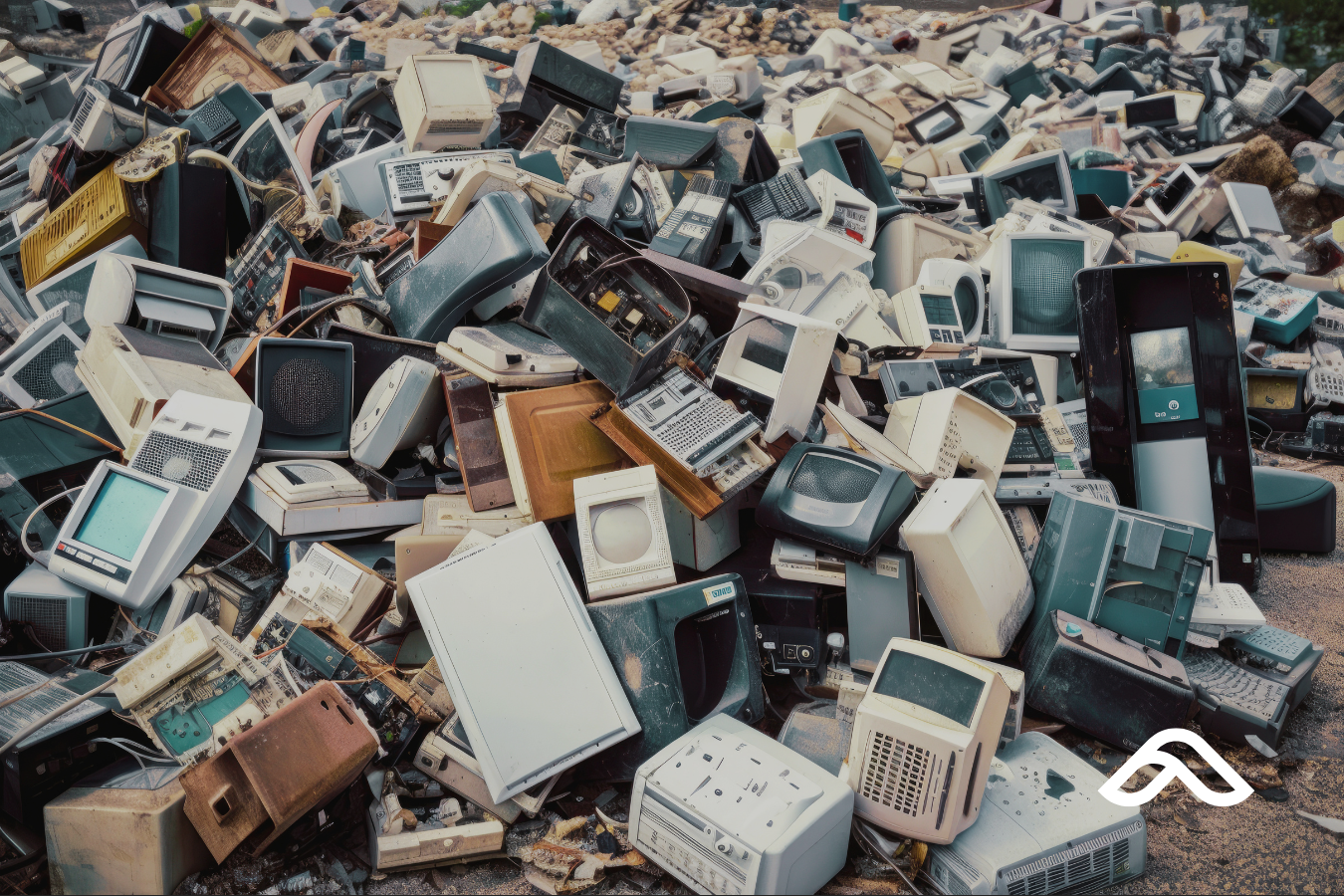
Every business eventually reaches the same moment. A tech refresh happens, new devices get rolled out, and a growing pile of old laptops, monitors, phones, and cables starts accumulating in a storage room somewhere.
Most businesses have a well-defined process for buying new technology. Far fewer have a clear process for IT equipment disposal. In Australia, that gap matters — both for the environment and for your legal obligations as a business.
This guide walks you through exactly what to do with end-of-life IT assets: the data security steps you can't skip, the free disposal options available to Australian businesses, and how to build a process that keeps you compliant and prepared.
Why IT Equipment Disposal Matters for Australian Businesses
Australia generates electronic waste at nearly three times the global average per capita. A significant portion of that comes from business technology — regular device refreshes, office moves, staff turnover, and system upgrades.
When electronics go into general waste or landfill, the consequences are tangible. Devices contain hazardous materials including lead, mercury, cadmium, and lithium that leach into soil and groundwater when not handled correctly. They also contain recoverable materials — copper, gold, aluminium, and rare earth elements — that can be extracted and reused rather than mined from scratch.
But for businesses, the environmental argument isn't the only one.
An old hard drive that hasn't been properly wiped is a legal liability. Under the Australian Privacy Act 1988, Australian Privacy Principle 11.2 requires organisations to take reasonable steps to destroy or de-identify personal information that is no longer needed for its original purpose. Improper disposal of a device containing client data, staff records, or financial information isn't a grey area — it's a compliance failure that can carry serious consequences.
Step 1: Handle the Data Before Anything Else
Before any device leaves your building, the data on it needs to be properly addressed. This applies to every device that has ever accessed business systems or stored files — laptops, desktops, phones, tablets, servers, and even some printers with internal storage.
Why a Factory Reset Is Not Enough
A standard factory reset removes visible files and clears access permissions. But the underlying data often remains recoverable using basic forensic tools. This is especially true on older devices with traditional hard drives.
What you actually need is one of the following:
- Certified software wiping — using a tool that overwrites the drive multiple times until the data is unrecoverable. The internationally recognised benchmark is NIST 800-88, a standard for media sanitisation. A reputable IT asset disposal provider will use tools like Blancco Drive Eraser and issue a serialised Certificate of Data Destruction for each device as auditable proof.
- Physical destruction — for drives that won't be reused, physical shredding or degaussing is the most definitive option. Again, a certified provider will document this with a chain-of-custody record.
For businesses in regulated industries — finance, healthcare, legal, or government — certified data destruction with documented proof is the minimum standard. For general business use, a properly wiped and documented device is sufficient before donation or recycling.
Step 2: Audit What You Have
Before disposal, do a quick asset audit. Know what devices you're decommissioning, their serial numbers, what data they held, and what's happening to each one.
This process is simpler than it sounds if your IT environment is already managed properly. Your IT team or MSP should be able to pull your asset register and cross-reference it against what's being retired.
Documenting this matters for two reasons:
- It gives you an auditable chain of custody if a compliance question ever arises about a specific device.
- It helps you identify equipment worth redeploying internally, donating, or trading in — rather than disposing of everything by default.
Not all old hardware is without value. A laptop too slow for your finance team may work perfectly for a charity or school. Extending the life of a device is always preferable to recycling it.
IT Equipment Disposal Australia: Free Options for Businesses
Once data is handled, there are several legitimate and free disposal routes available to Australian businesses. The right choice depends on the volume of equipment and your compliance requirements.
TechCollect — Free Recycling for Computers and TVs
Website: techcollect.com.au
TechCollect is a free, not-for-profit recycling service established under the Australian Government's National Television and Computer Recycling Scheme (NTCRS). It covers computers, monitors, printers, peripherals, accessories, and TVs — the majority of typical business IT equipment.
Drop-off is free for households and small businesses, with locations across the country including most Officeworks stores, local councils, and participating retailers. Use the TechCollect website to find your nearest drop-off point.
Note: The free service applies to households and small businesses. Larger organisations disposing of significant volumes may incur fees — check directly with TechCollect or your local council before arranging a drop-off.
Accepted items include:
- Computers, laptops, and computer parts
- Monitors and computer peripherals (mice, keyboards, webcams, USBs, cables)
- Printers, scanners, faxes, and multifunction devices
- Televisions (call your local Officeworks ahead to confirm TV acceptance)
MobileMuster — Free Mobile Phone Recycling
Website: mobilemuster.com.au
MobileMuster is Australia's official mobile phone recycling program, managed by the Australian Mobile Telecommunications Association (AMTA). It accepts all brands of mobile phones, batteries, chargers, and accessories. Select locations also accept modems, smartwatches, and streaming devices.
Drop-off points are available at thousands of locations nationwide — through Telstra, Optus, and Vodafone stores, local councils, and participating retailers. There's a MobileMuster drop-off point within 10km for 96% of the Australian population. A free post-back option is also available for businesses that can't easily get to a drop-off.
MobileMuster destroys any data left on devices as part of the recycling process — but it's still best practice to perform a factory reset and remove the SIM card before handover.
Recycle Mate — Find Drop-Off Points for Everything Else
Website: recyclemate.com.au
The Recycle Mate app is a handy tool for locating the nearest drop-off point for items not covered by the main schemes — batteries, printer cartridges, cables, small electronics, and other mixed e-waste. Useful for businesses regularly managing small volumes of varied hardware.
Your Local Council
Many Australian councils run e-waste collection events or operate permanent drop-off facilities. Services vary significantly by region, but most metropolitan councils have solid options, and many partner with NTCRS providers for periodic events. Check your council's website directly for what's available in your area.
For Businesses With Larger Volumes or Compliance Requirements
If your business regularly refreshes device fleets, operates in a regulated industry, or needs documented proof of disposal for compliance purposes, a certified IT Asset Disposition (ITAD) provider is the right route.
A reputable ITAD provider will:
- Collect devices from your premises at scale
- Perform certified data destruction to NIST 800-88 standards with a serialised Certificate of Destruction per device
- Handle environmentally compliant recycling in accordance with AS 5377, Australia's standard for the collection, storage, transport, and treatment of end-of-life electrical and electronic equipment
- Provide comprehensive disposal reporting for your compliance records
When selecting an ITAD provider, look for ISO 27001 (information security management) and ISO 14001 (environmental management) certifications as a baseline. These certifications indicate the provider's processes have been independently audited — not just self-asserted.
What Goes Where: Quick Reference Guide
| Equipment Type | Best Disposal Route |
|---|---|
| Computers, laptops, monitors | TechCollect (free) or certified ITAD provider |
| Printers, scanners, peripherals | TechCollect (free) or certified ITAD provider |
| Mobile phones and accessories | MobileMuster (free) |
| Cables, batteries, cartridges | Recycle Mate or council drop-off |
| Servers and data centre equipment | Certified ITAD provider (data destruction required) |
| Large volumes / fleet refreshes | Certified ITAD provider |
The Pre-Departure Checklist
Most businesses focus on where to send the devices. Fewer focus on what needs to happen before the device leaves the building. Here's a quick checklist:
- Data wiped or drive physically destroyed — not just factory reset
- Device removed from MDM (Mobile Device Management) or endpoint platform — so it's no longer enrolled in your business environment
- Microsoft 365 or Google Workspace licence deactivated or reassigned — a departing device shouldn't still be consuming a paid licence
- MFA apps and business accounts removed — authenticator apps, VPN clients, and business email profiles
- SIM card removed (for phones)
- Asset register updated — a record of what was decommissioned, when, and how
When this checklist is part of a defined offboarding process, it takes minutes. The problem is that most businesses don't have a defined process — devices accumulate, and the security steps get skipped.
Building a Sustainable IT Disposal Process
The businesses that handle IT equipment disposal well in Australia aren't doing anything complicated. They treat device decommissioning as a standard part of their IT workflow — triggered by staff offboarding, device replacement, or scheduled fleet reviews.
Your IT team or MSP should be able to integrate this into your existing processes without significant overhead. The core steps are consistent: audit, wipe, document, dispose through an appropriate channel.
Proper IT equipment disposal in Australia doesn't have to be a project. With the right habits and the right support, it becomes something that just happens — quietly, correctly, and on time.
If you're unsure what your current decommissioning process looks like, or whether you have one at all, that's worth a conversation. It's one of the areas we look at in a free IT assessment, and it's often where a small amount of structure makes a meaningful difference.
Ready to get your IT environment properly managed? Book a free IT assessment with Affinity MSP — no obligation, no sales pitch.


