
Save Time on Repetitive Work
Copilot drafts emails, builds reports, summarizes long threads, and creates presentations in minutes. Your team spends less time formatting and more time making decisions.
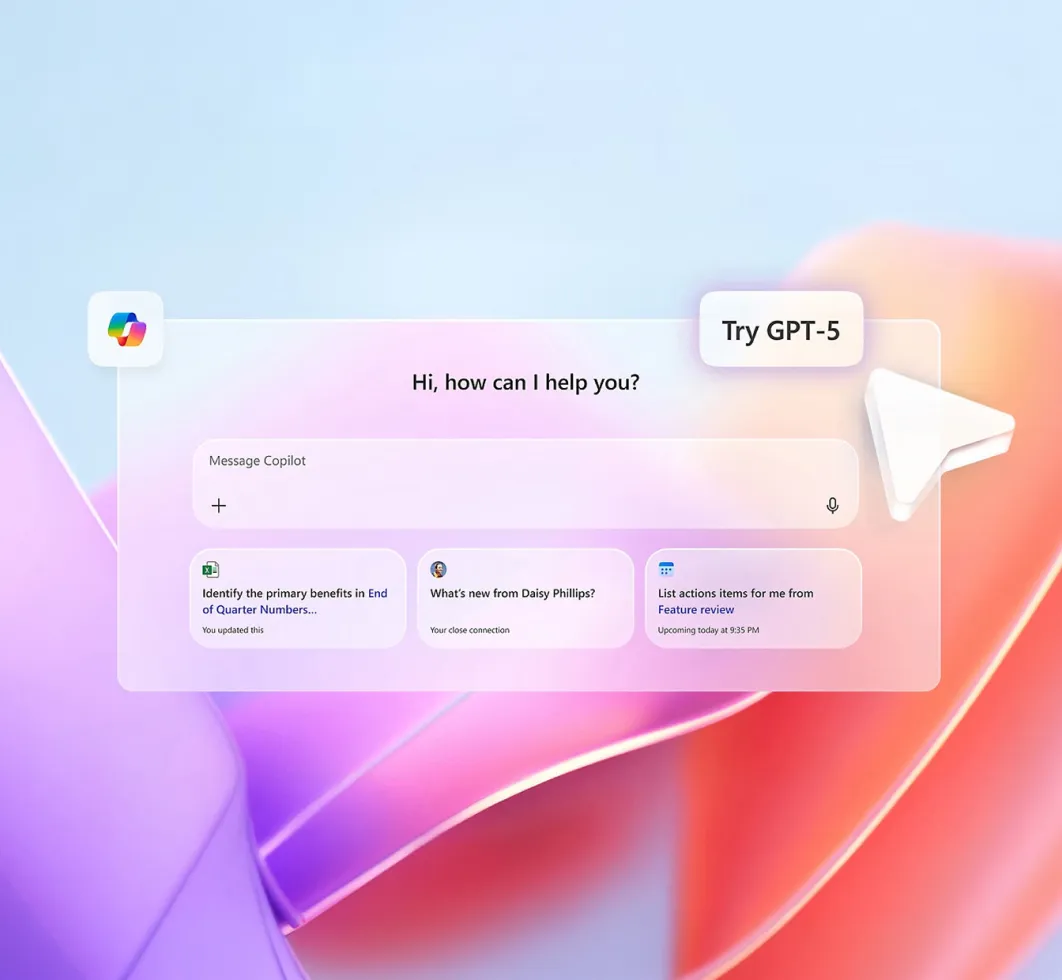
Microsoft Copilot brings secure, enterprise-grade AI into the Microsoft 365 apps your team already uses, including Outlook, Word, Excel, Teams, and PowerPoint. It helps your people draft faster, analyse data with clarity, summarise meetings, and surface insights in seconds, reducing admin and improving productivity across your organization.
Affinity MSP ensures your Microsoft 365 Copilot rollout is secure, compliant, and properly licensed. From data readiness and permissions to ongoing Microsoft 365 support and managed IT services, we implement Copilot the right way, so AI strengthens your business without adding risk.
Time Saved on Repetitive Tasks
Faster Document Creation
Reduction in Meeting Follow-up Time
User Satisfaction Rate
Microsoft 365 Copilot is AI built into your existing Microsoft 365 apps. It works with the data and documents your team already has — chats, emails, files and meetings — to automate tasks, generate insights, and speed up work that used to eat hours every week.

AI support is not a separate tool. It's part of the flow — in Word for drafting, Excel for analyzing data, Teams for summarizing meetings, and Outlook for managing your inbox.

Copilot respects the same permissions, compliance and security policies you already apply in Microsoft 365. Your data stays under your control.

Using Microsoft Graph, Copilot taps into your organization's data footprint, so suggestions are personalized, relevant, and contextually aware.
AI doesn't just add features—it transforms how your team works, making every hour more productive and every decision more informed.


Copilot drafts emails, builds reports, summarizes long threads, and creates presentations in minutes. Your team spends less time formatting and more time making decisions.

In Excel, Copilot analyzes trends, highlights anomalies, and explains complex data in plain language. No advanced formulas required.

Automatically summarized meetings, action items extracted, and follow-ups drafted. Nothing slips through the cracks.

Proposals, policies, client communications—all aligned with tone and structure that reflects your brand.
AI that feels natural, not intrusive. Copilot adapts to how your team already works, making productivity gains feel effortless.

In Word
Draft documents, rewrite sections, change tone instantly

In Excel
Analyze data, create charts, find insights in seconds

In Outlook
Summarize threads, draft replies, clear your inbox faster

In PowerPoint
Create presentations from prompts, add visuals automatically

Ask questions across your documents, meetings, emails, and calendars. Get summarized insights and draft responses that are context-aware, not generic. Business Chat understands your organization's full context through Microsoft Graph.
Copilot brings together three core elements: powerful language models, your Microsoft 365 data, and the apps your teams use every day.

Advanced AI models interpret prompts, generate content, and summarize information in natural language